Terrain · Select a property, draw a box or polygon, or upload a boundary
Elevation statistics for any New Zealand property
Find the elevation of your property: the highest and lowest ground, the mean and the range, measured over every square metre of the title from the LINZ 1 m LiDAR model. A chart shows how much of the land sits at each height.
Handy for flood, frost and planting questions, and for knowing how far above sea level a house site really is.
Free to run · pay to download
Free to run, and free to save as a PNG image of the map. This tool has no file export of its own. For the terrain as a file, Download Data exports contours, a GeoTIFF or a 3D mesh with a pass: NZ$49 for 7 days or NZ$299 for 12 months.
Who uses this
- Owners and buyers. Know how high the section sits, for flood and sea-level questions.
- Growers. Find the frost-prone low ground and the height band of a block.
When to use it
- You want the highest and lowest points on a property, or the elevation of a house site.
- You need the elevation range for a flood, frost or planting question.
- You want the ground elevation, not the height of what is standing on it.
Which tool for your job
Terrain Stats is one step in a bigger question. These are the jobs it helps with, and the tools that go with it.
If you’re working on plans, cad, gis and 3d printing
I need the terrain as a file.
- 1.Download Data — Contours, a GeoTIFF elevation model or a 3D mesh for printing.
- 2.Contour Lines — Contours previewed on the map before you export them.
- 3.Elevate a File — Adds ground elevation to your own GPX, KML, GeoJSON or CSV points.
- 4.Add Elevation — A single spot height, for a floor level or a tank.
- 5.Terrain Stats (this tool) — The highest, lowest and mean ground height of an area, and how the land is spread between them.
How to use it
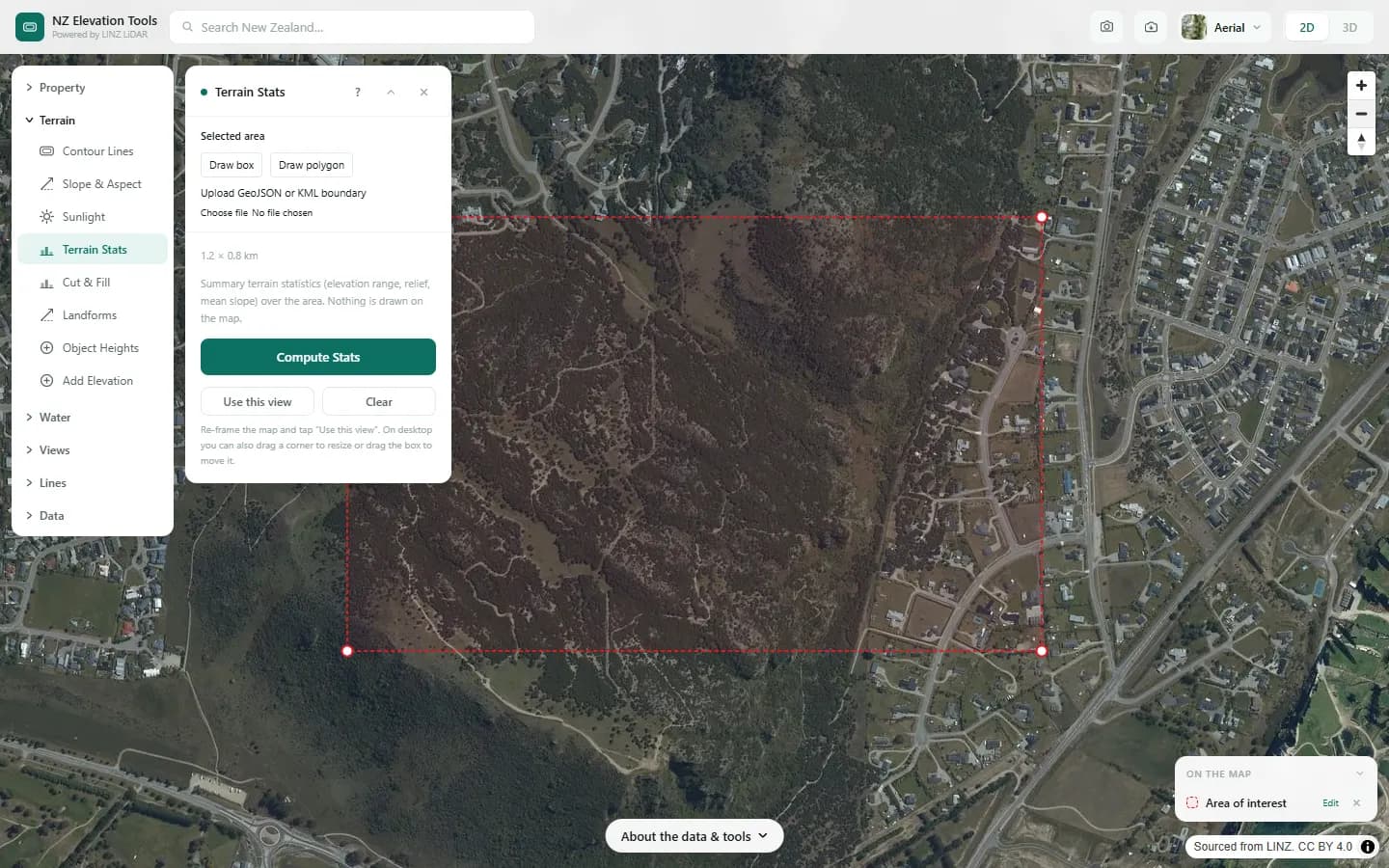
- Select a property, draw an area or upload a boundary.
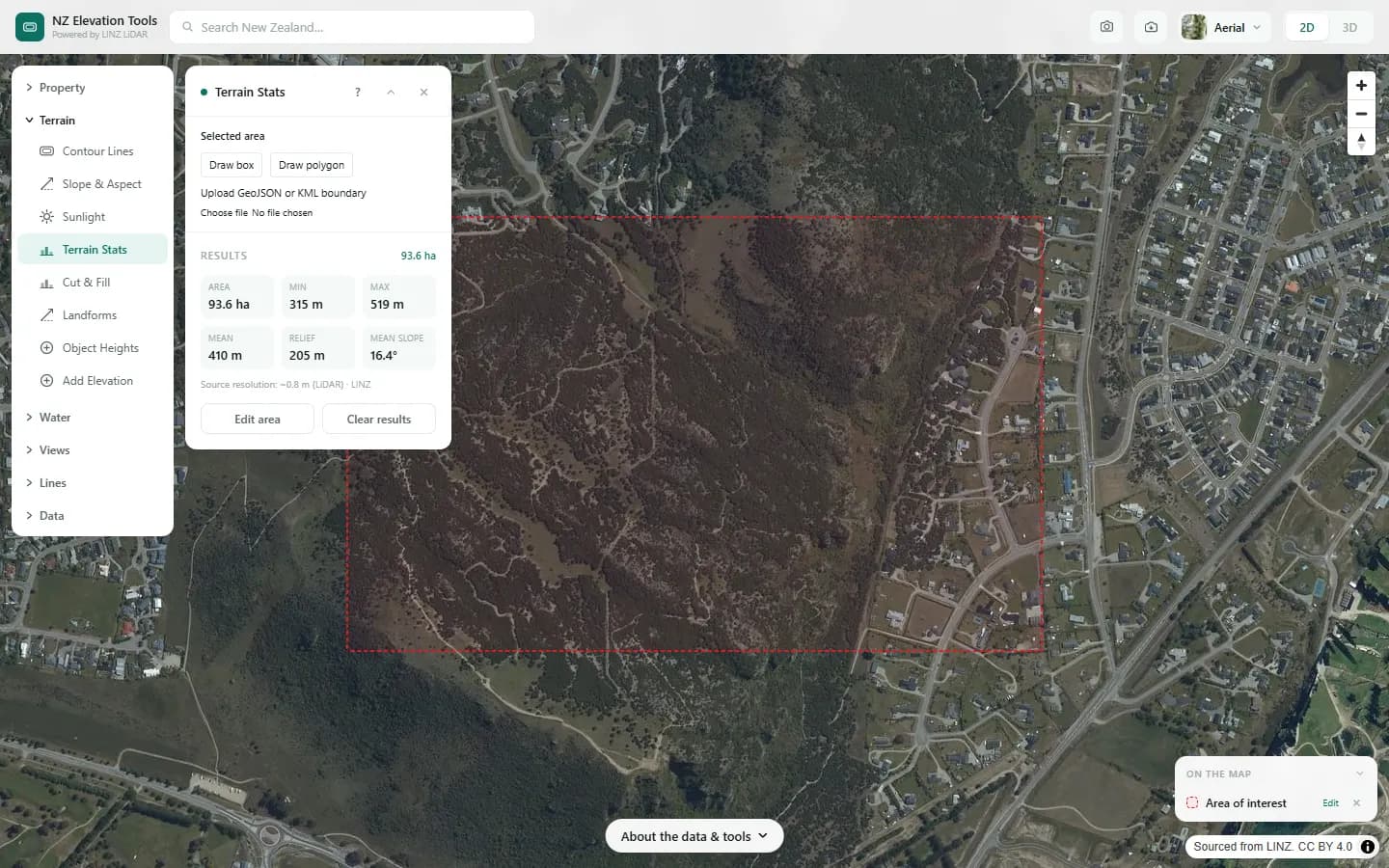
- Run. The panel lists the statistics and draws the elevation distribution.
Step by step: Mt Iron, Wānaka
We summarise the height of the ground across 94 ha of Mt Iron.
What it showed
- Heights are above the LiDAR datum, close to mean sea level. For the height of trees and roofs use Object Heights.
Screenshots from NZ Elevation Tools. Aerial imagery from LINZ Basemaps. Sourced from the LINZ Data Service and licensed by Environment Southland, Otago Regional Council and Queenstown-Lakes District Council for re-use under the Creative Commons Attribution 4.0 International licence.
How it works
Every cell of the 1 m LiDAR bare-earth model inside the area is read, and the statistics are taken over those cells. The distribution chart, called a hypsometric curve, bins the cells by elevation so you can see whether the land is mostly high, mostly low or evenly spread.
Reading the results
Elevations are metres above the LiDAR vertical datum, which is close to mean sea level.
A long thin distribution means a steady slope; a tall spike means mostly flat ground at one height.
Limits and warnings
- Areas up to 6 km across.
- Where 1 m LiDAR has not been flown the tool falls back to the national 8 m elevation model, and the result says what share came from the fallback. The 8 m model was interpolated from 20 m map contours and is not fit for site-scale decisions.
- Bare ground only. For roof and tree heights use Object Heights.
Data and attribution
Results come from the LINZ national 1 m LiDAR bare-earth elevation model, read in your browser, with the national 8 m model filling any gaps. Tools that use the surface model (Sunlight, Viewshed, Object Heights) read the matching LiDAR surface tiles.
Elevation and cadastral data is sourced from the LINZ Data Service and licensed for re-use under the Creative Commons Attribution 4.0 International licence. Copyright in each LiDAR survey belongs to the body that commissioned it — a regional or district council, Waka Kotahi, NIWA and around thirty others — rather than to LINZ, which hosts and processes the national dataset. Every file exported from this site names the licensors whose surveys cover the area, and anything you publish from those files carries the same attribution requirement. See https://www.linz.govt.nz/products-services/data/licensing-and-using-data/attributing-elevation-or-aerial-imagery-data
Questions
Is the elevation above sea level?
It is metres above the LiDAR vertical datum, which is close to mean sea level. For design levels, check against a survey benchmark.
Ready to try it?
Open Terrain Stats on the map →Free to use, no account. Runs in your browser on LINZ open data. Downloading the results needs a pass: see prices.