How to use each tool
One page per tool: what it does, a step-by-step walkthrough with screenshots from Mt Iron, Wānaka, how the calculation works, how to read the result, and where it will mislead you. Every tool runs on the LINZ national 1 m LiDAR elevation model in your browser.
Which tool for which job
Start from the question you have. Each job lists its tools in the order you would use them.
Solar panels and sun
Where will panels, a glasshouse or a deck get the most sun?
Choosing a house site
Where on this block should the house go?
Buying a section or lifestyle block
What is the ground like, and how does it compare with the others on my list?
Earthworks, driveways and tracks
How much digging, and can a driveway or farm track make the grade?
Drainage, flooding and wet ground
Where does the water go, and where will it sit?
Views, privacy and line of sight
What can I see from here, and what can see me?
Farming, orchards and planting
Which ground suits which use?
Plans, CAD, GIS and 3D printing
I need the terrain as a file.
Property
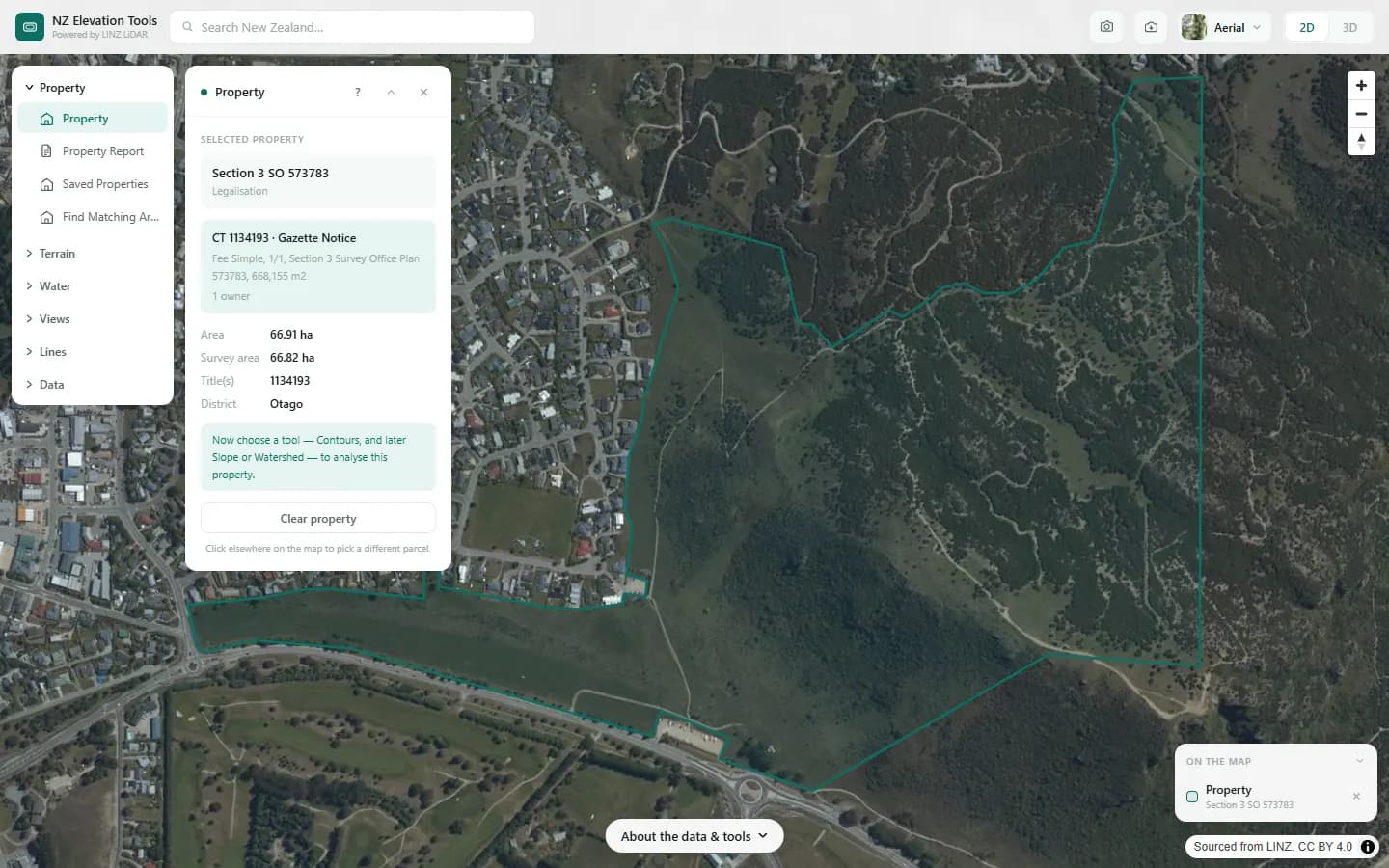
Property
Click a point
Selects the legal parcel under your click and uses its real boundary as the analysis area for every other tool.
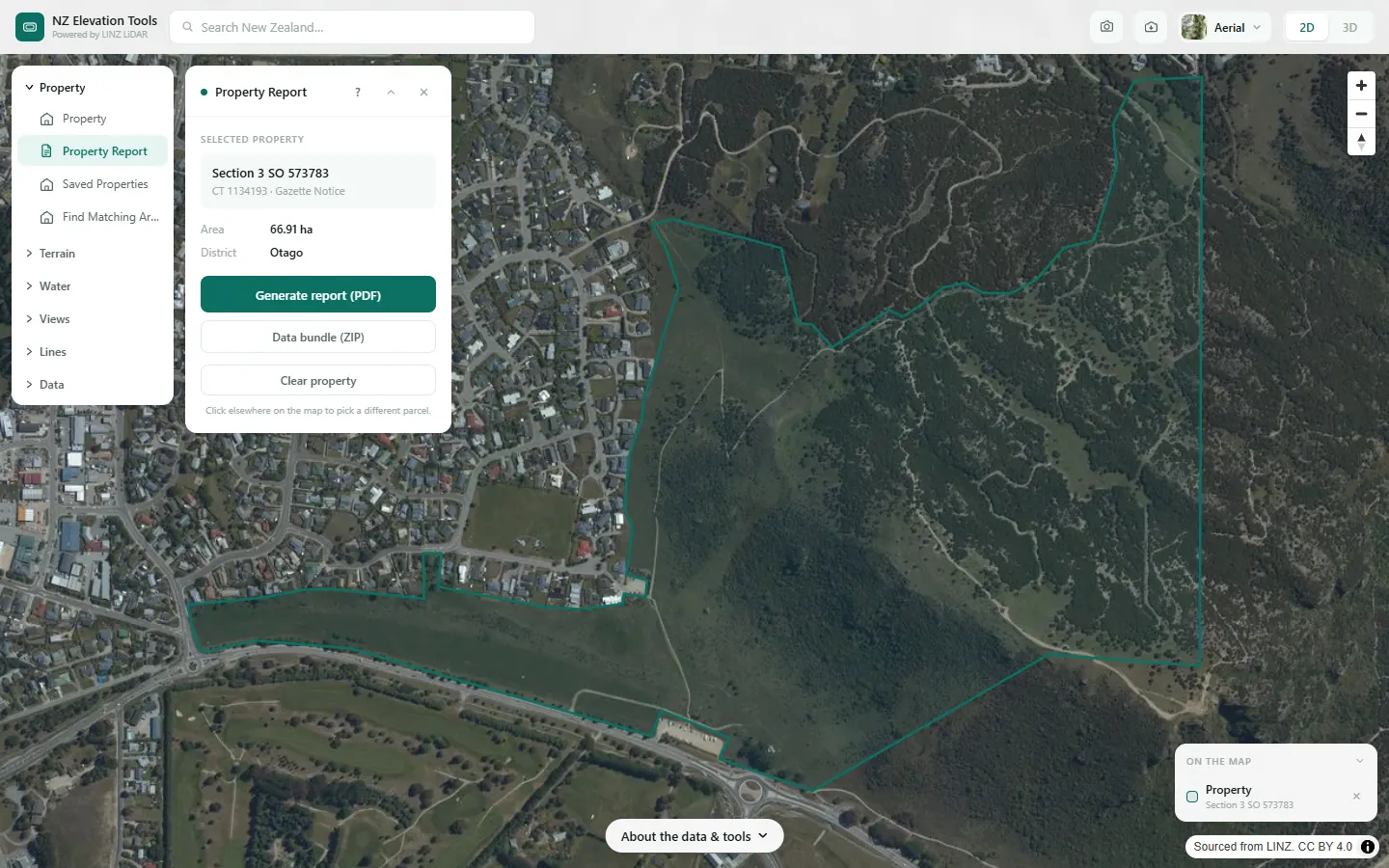
Property Report
Click a point
Builds a multi-page PDF terrain report for one parcel: shaded relief, contours, slope and aspect breakdowns, elevation statistics, and a checklist of the official records the report does not replace.
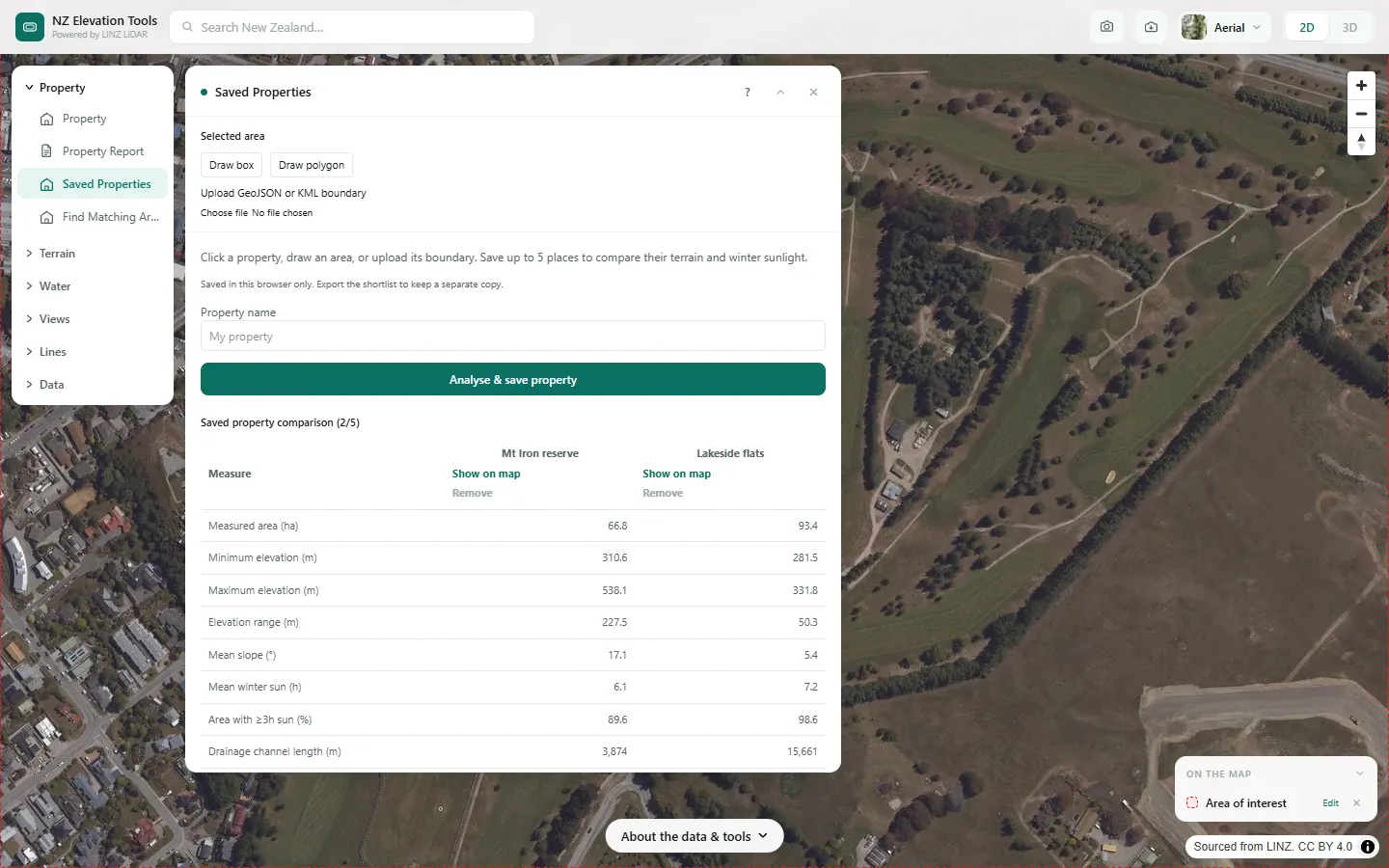
Saved Properties
Select a property, draw a box or polygon, or upload a boundary
Keeps up to five places in your browser and compares their elevation, slope, winter sunlight and drainage side by side.
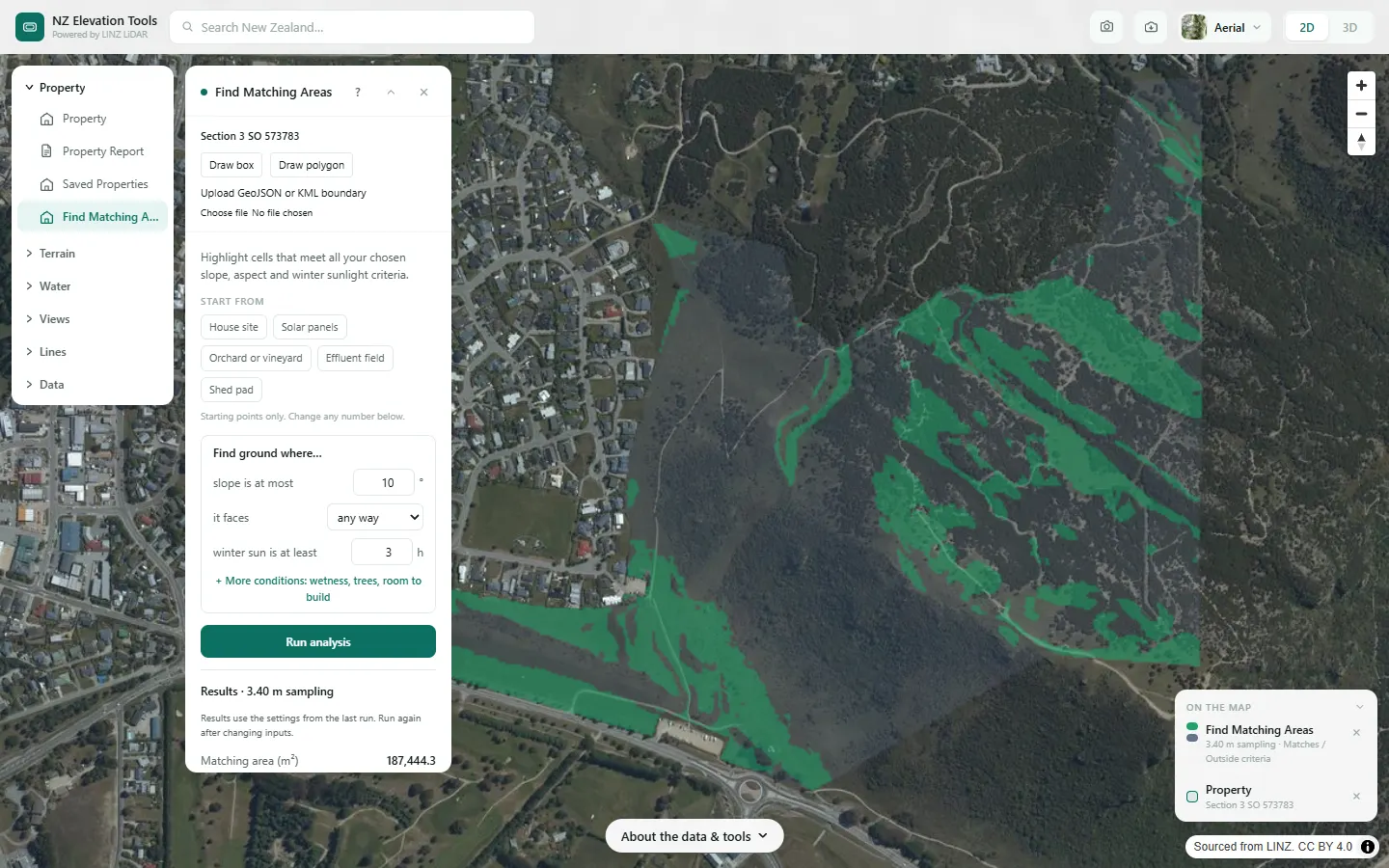
Find Matching Areas
Select a property, draw a box or polygon, or upload a boundary
Combines several tests at once (slope, facing direction, winter sun, wetness and room to build) and highlights only the ground that passes them all, so the next tool can run on just that patch.
Terrain
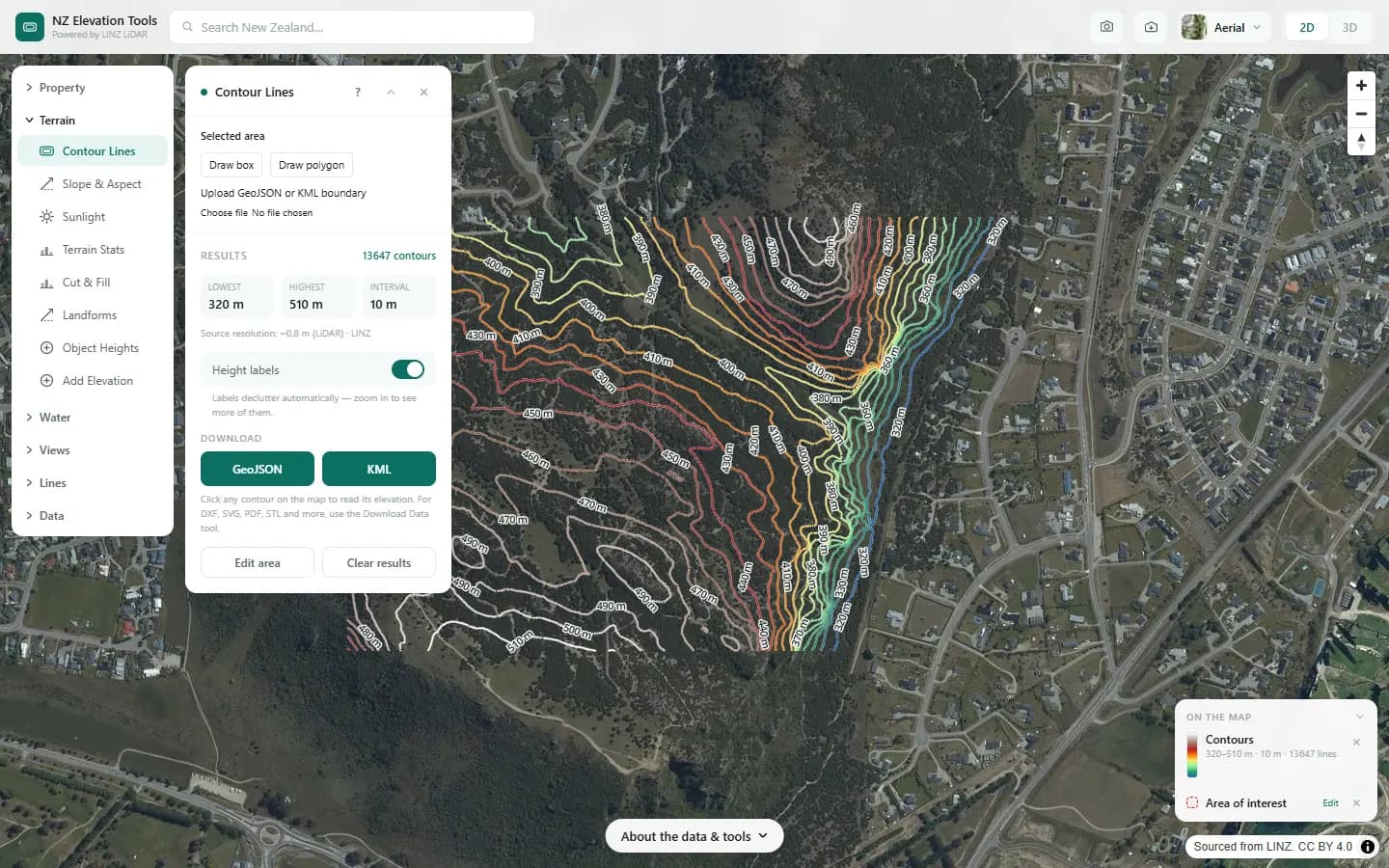
Contour Lines
Select a property, draw a box or polygon, or upload a boundary
Draws topographic contours at any interval from 0.5 m upward across your area and exports them for GIS, CAD, Google Earth, print or laser cutting.
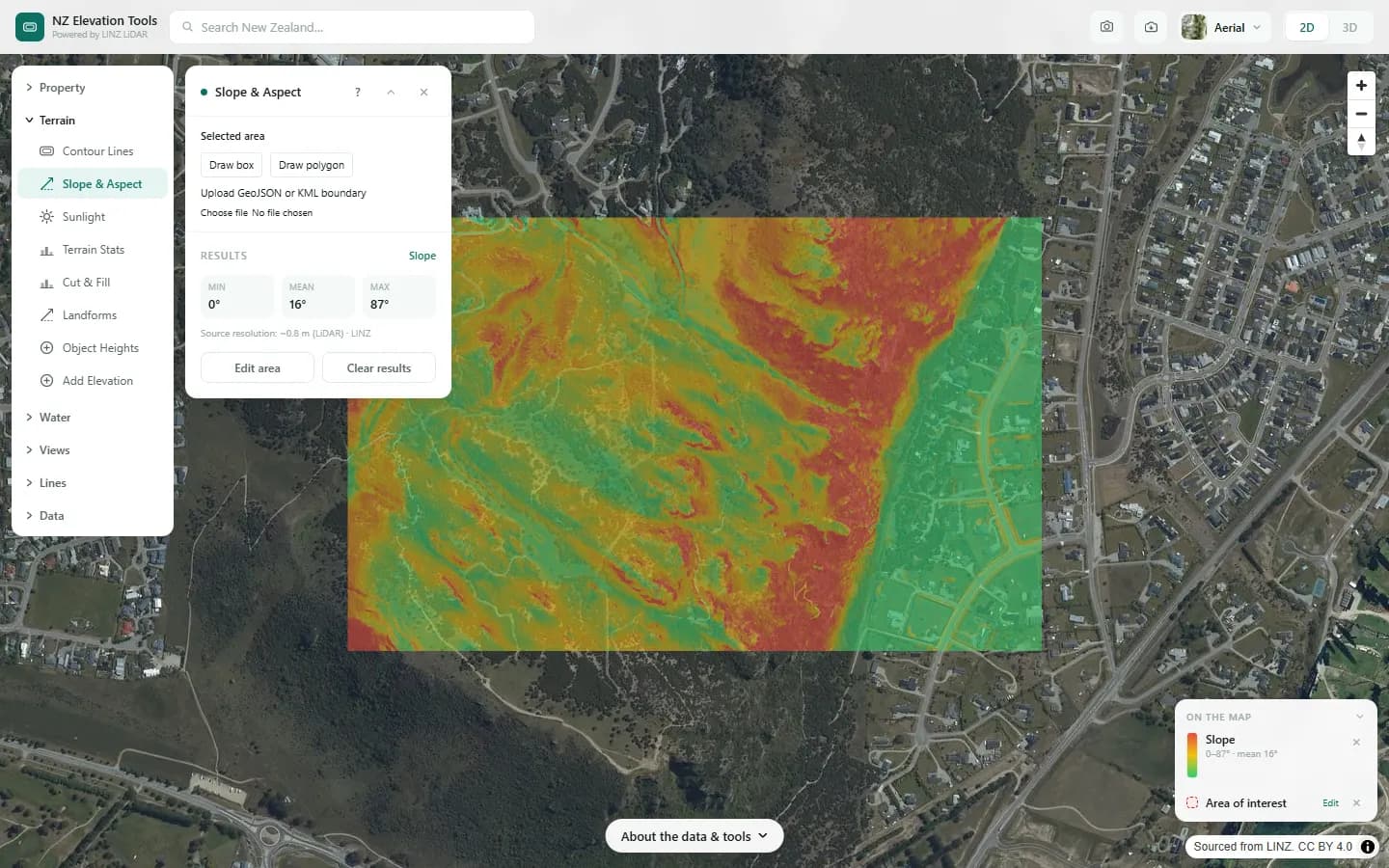
Slope & Aspect
Select a property, draw a box or polygon, or upload a boundary
Maps how steep every part of your area is and which compass direction each face points, with a full breakdown of slope classes and aspect shares.
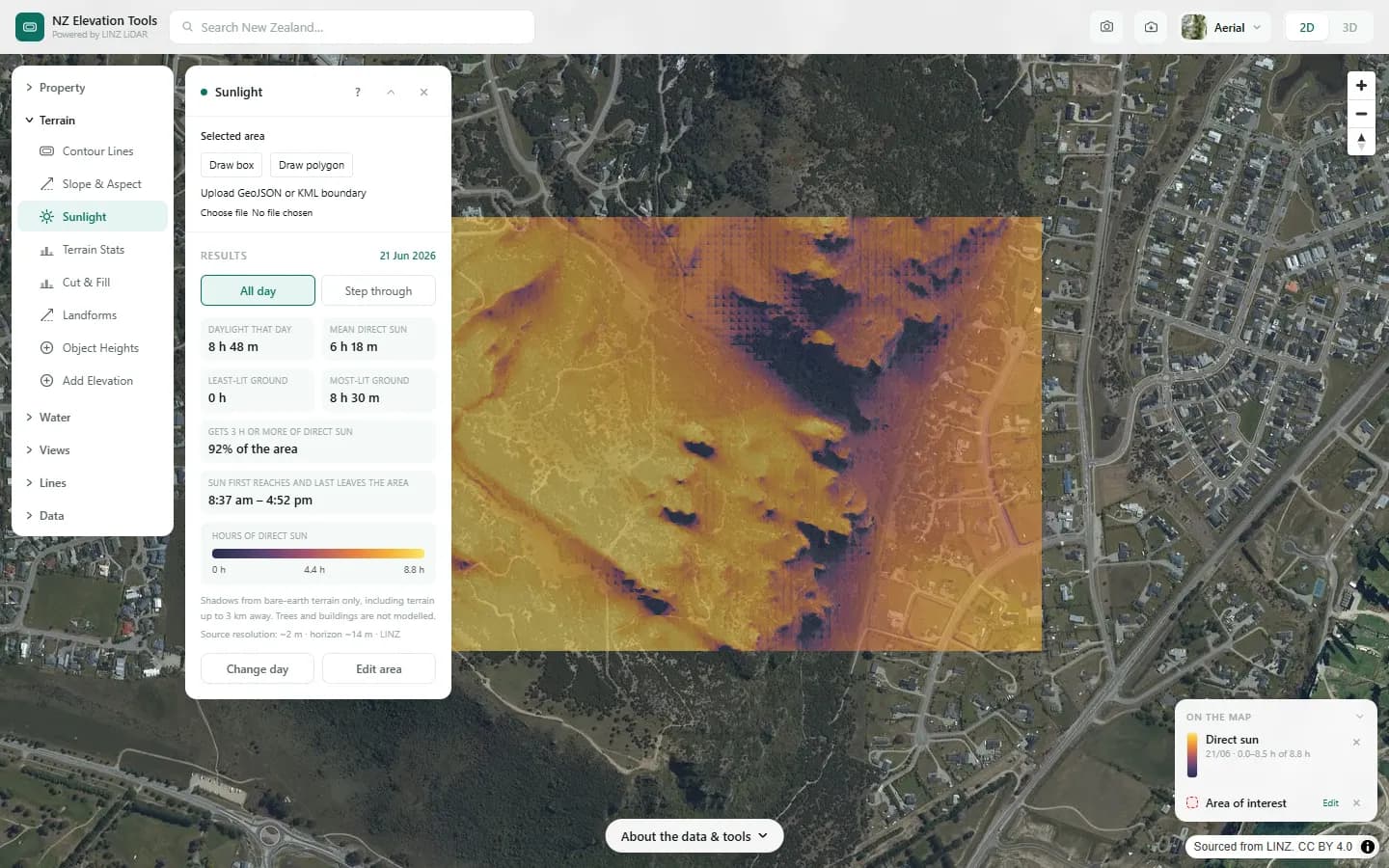
Sunlight
Select a property, draw a box or polygon, or upload a boundary
Models hours of direct sun across a site on any day of the year, with shadows from terrain up to 3 km away and, where LiDAR has been flown, from trees and buildings.
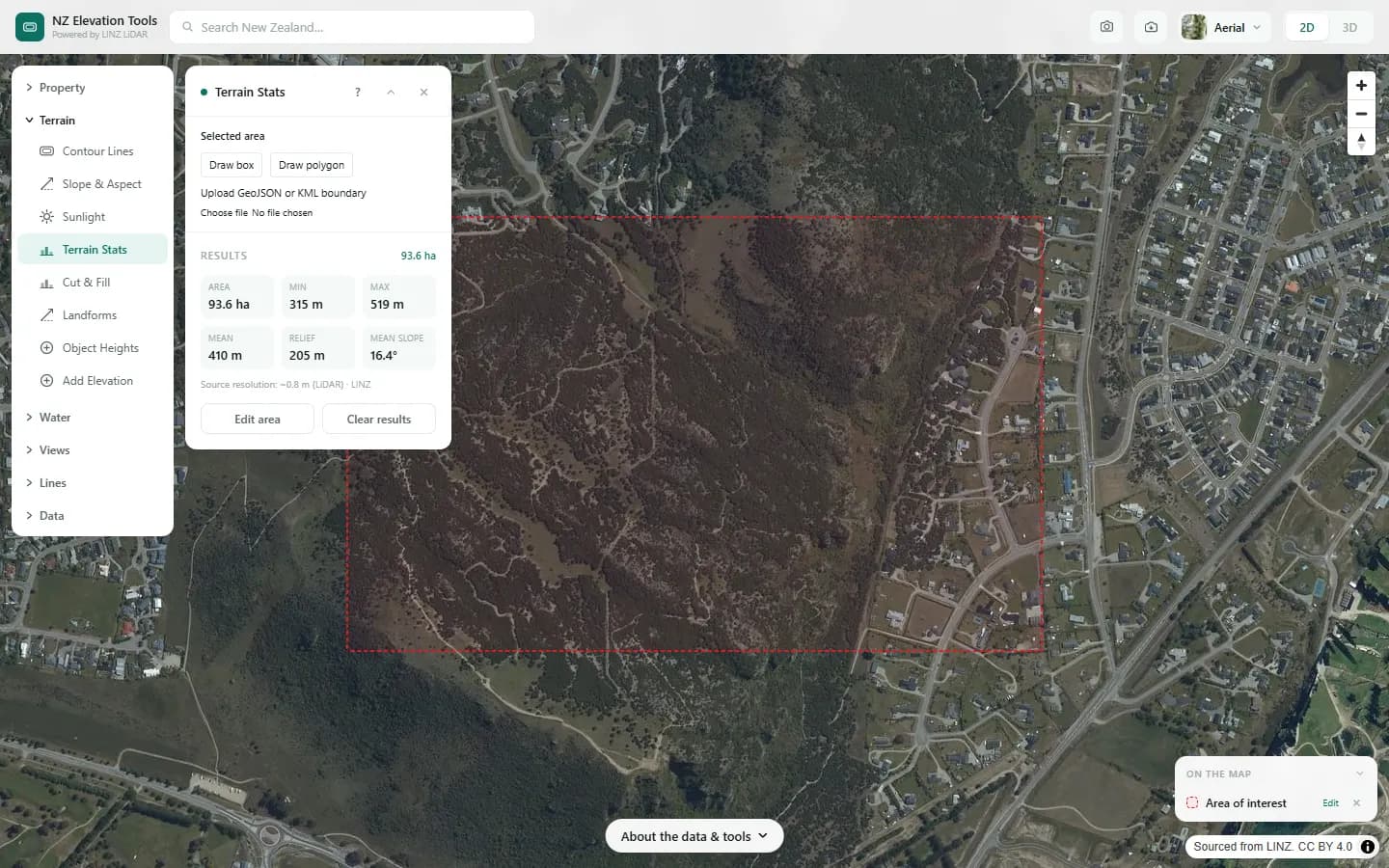
Terrain Stats
Select a property, draw a box or polygon, or upload a boundary
Summarises the minimum, maximum, mean and range of ground elevation across an area, with a chart of how much land sits at each height.
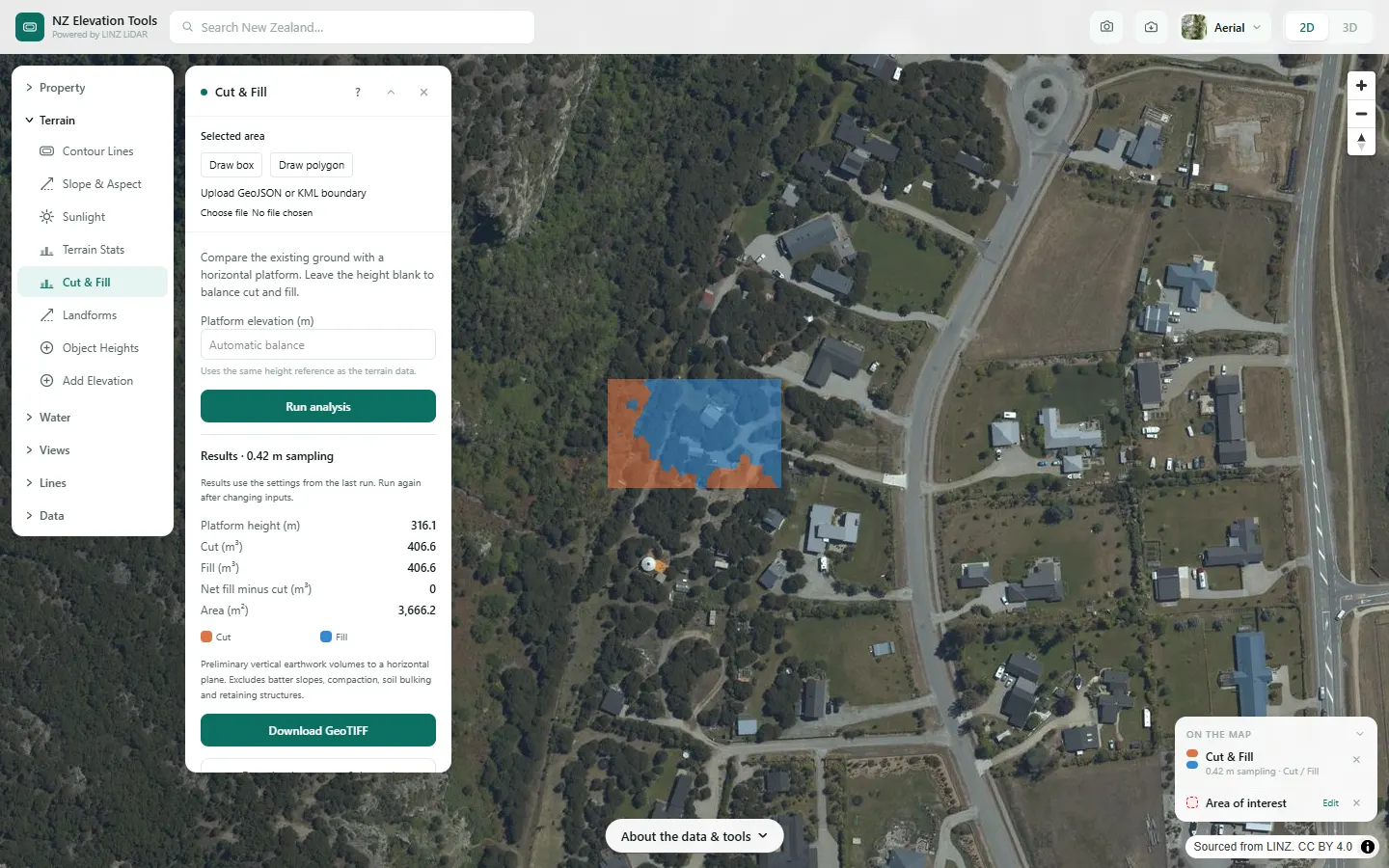
Cut & Fill
Select a property, draw a box or polygon, or upload a boundary
Estimates how much earth would be cut and how much filled to level your area to a flat platform, at a height you set or at the height that balances the two.
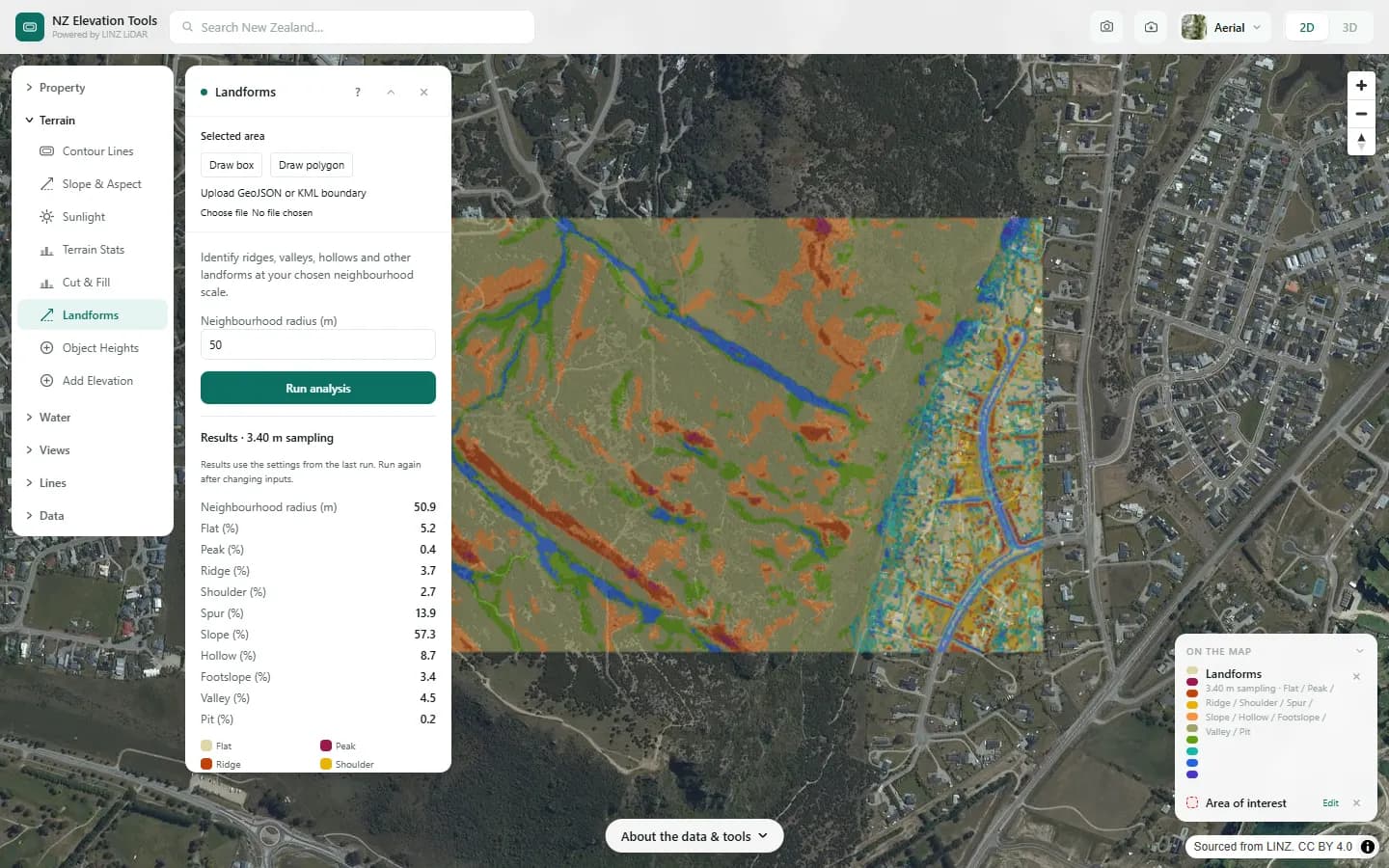
Landforms
Select a property, draw a box or polygon, or upload a boundary
Classifies every part of your area into one of ten landforms, such as ridge, spur, slope, hollow and valley, at a scale you choose.
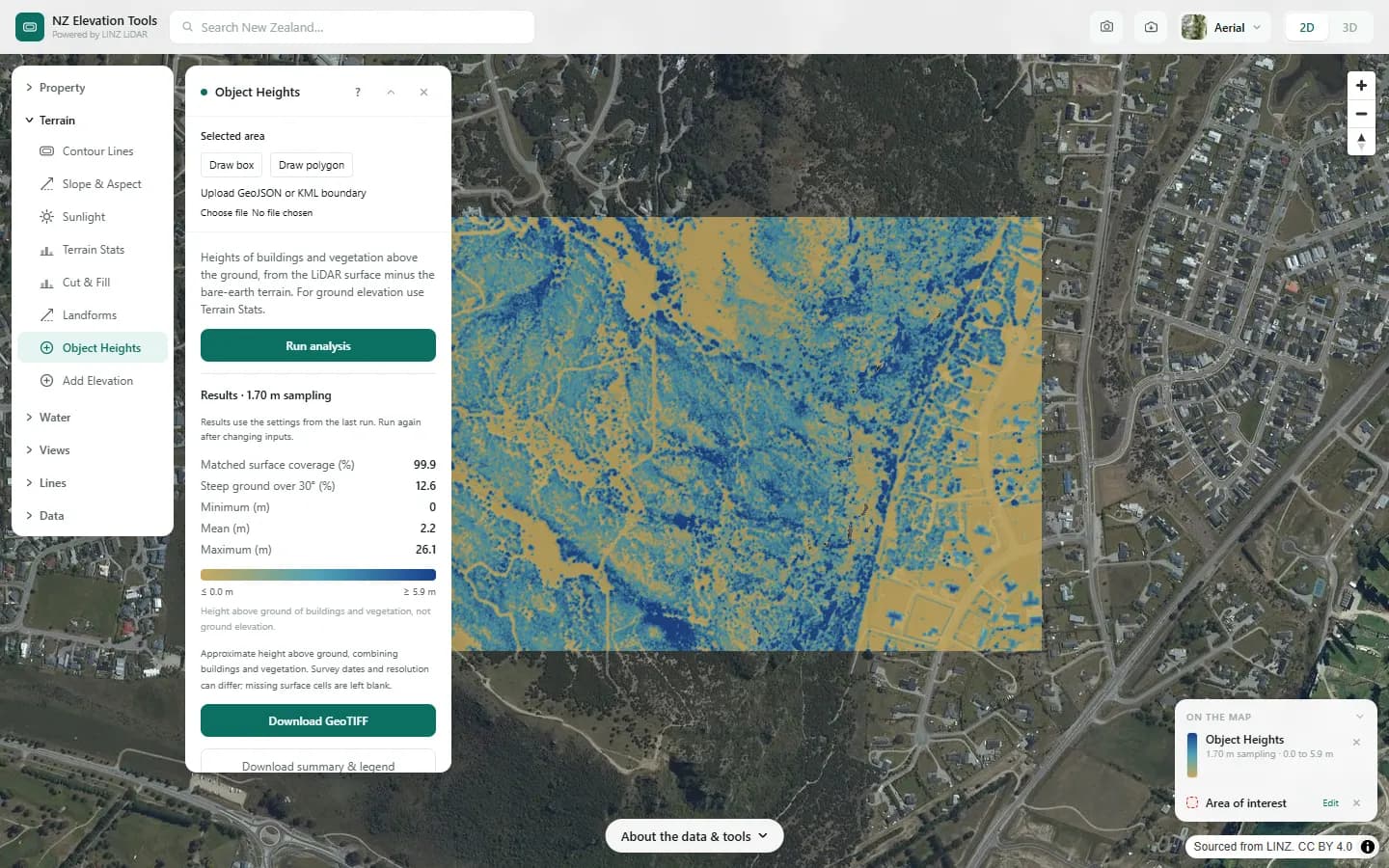
Object Heights
Select a property, draw a box or polygon, or upload a boundary
Estimates the height of buildings and vegetation above the ground by subtracting the bare-earth terrain from the LiDAR surface model.
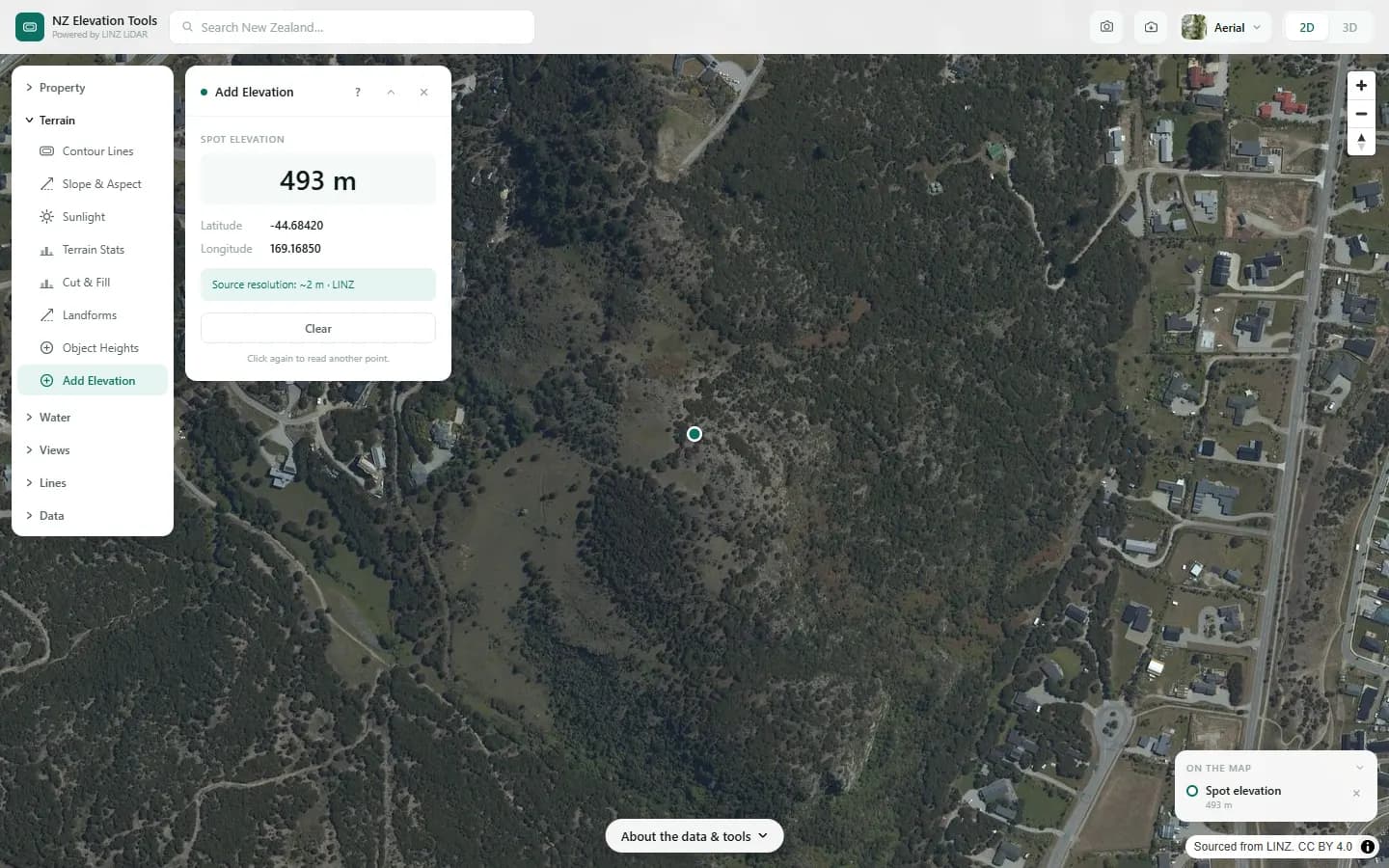
Add Elevation
Click a point
Returns the ground elevation in metres at any point you click.
Water
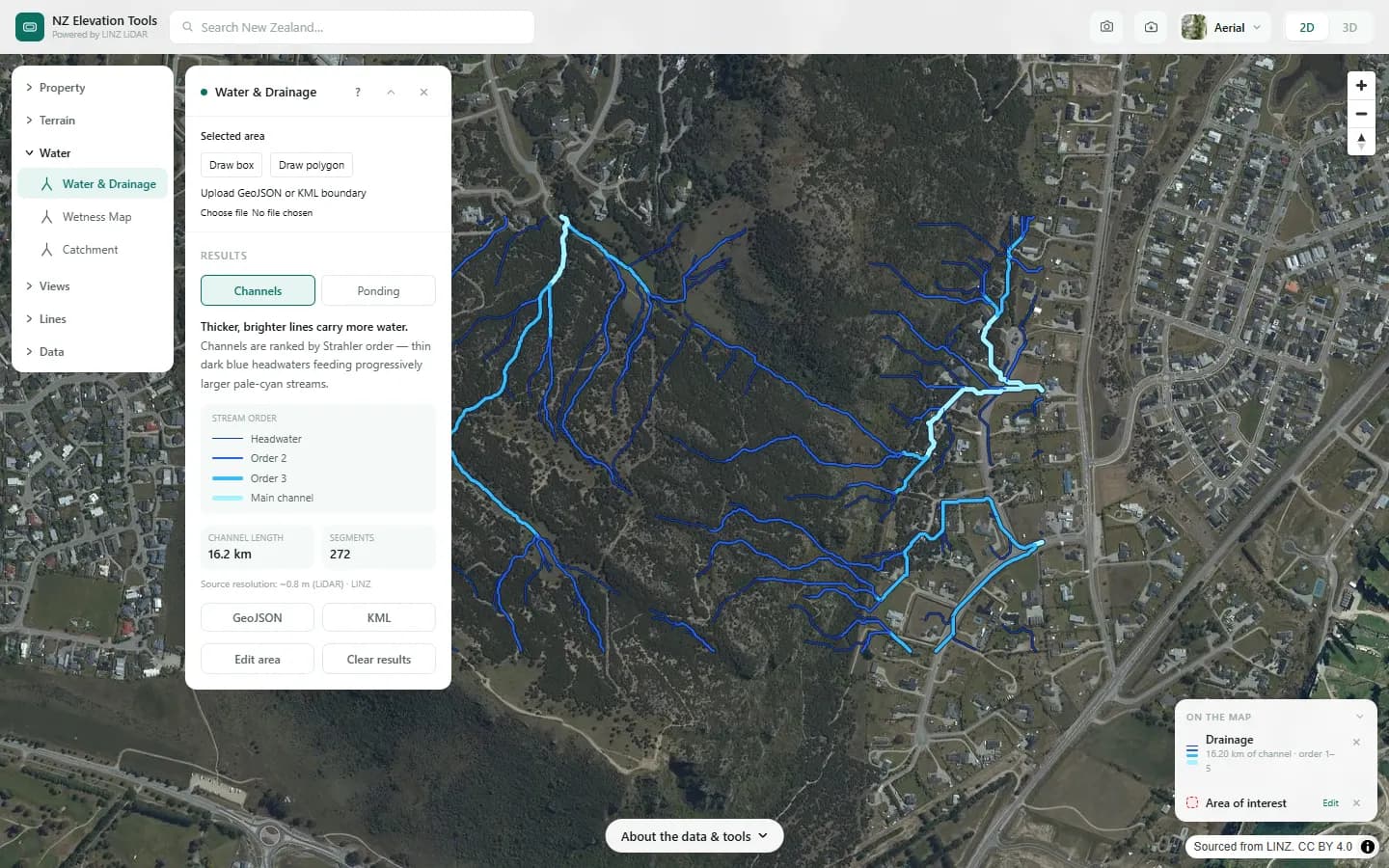
Water & Drainage
Select a property, draw a box or polygon, or upload a boundary
Extracts the drainage channels across an area as an ordered stream network, and maps where water would pond once hollows fill, with depth, area and volume.
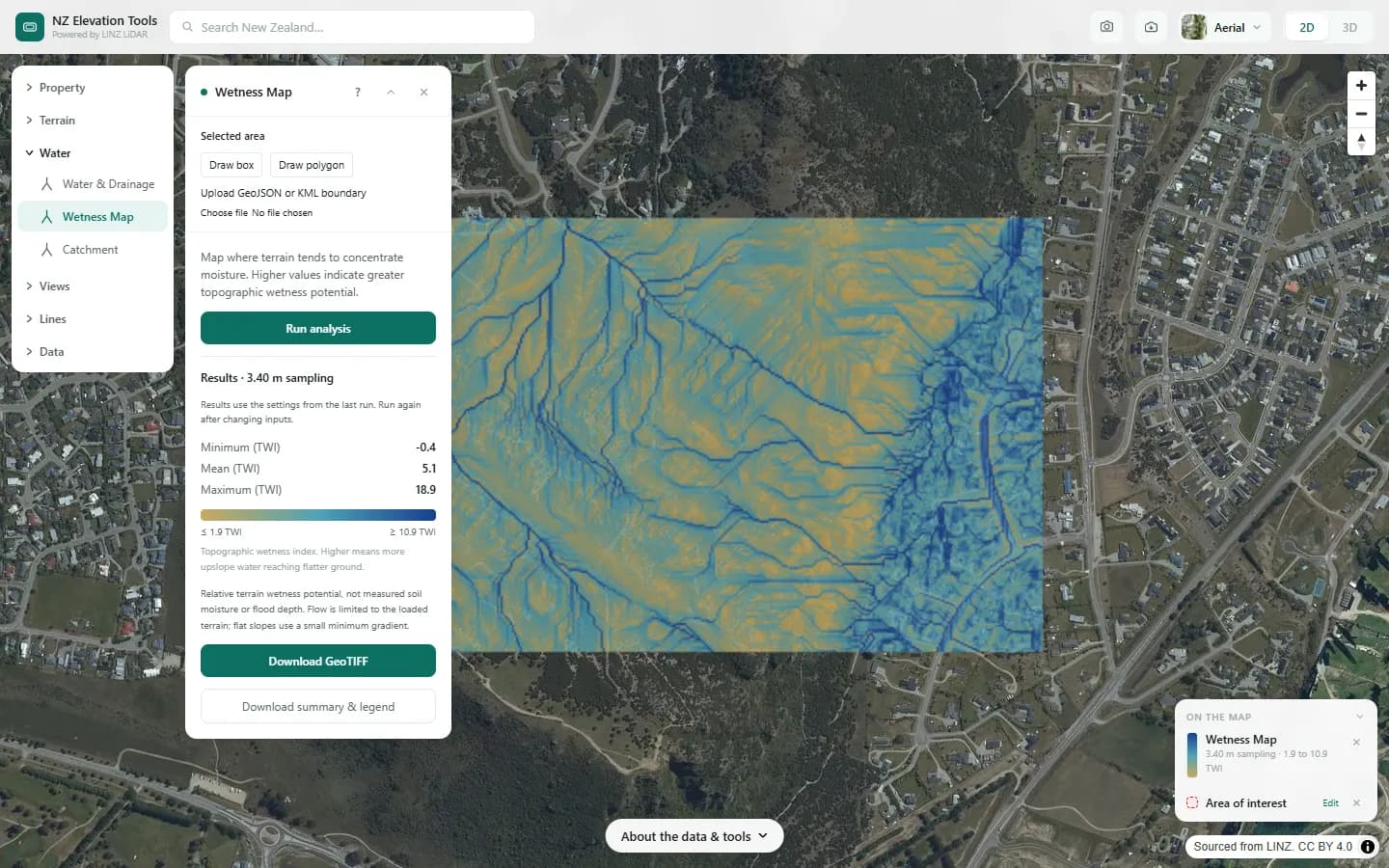
Wetness Map
Select a property, draw a box or polygon, or upload a boundary
Maps where the shape of the land tends to concentrate moisture, from how much ground drains to each point and how flat that point is.
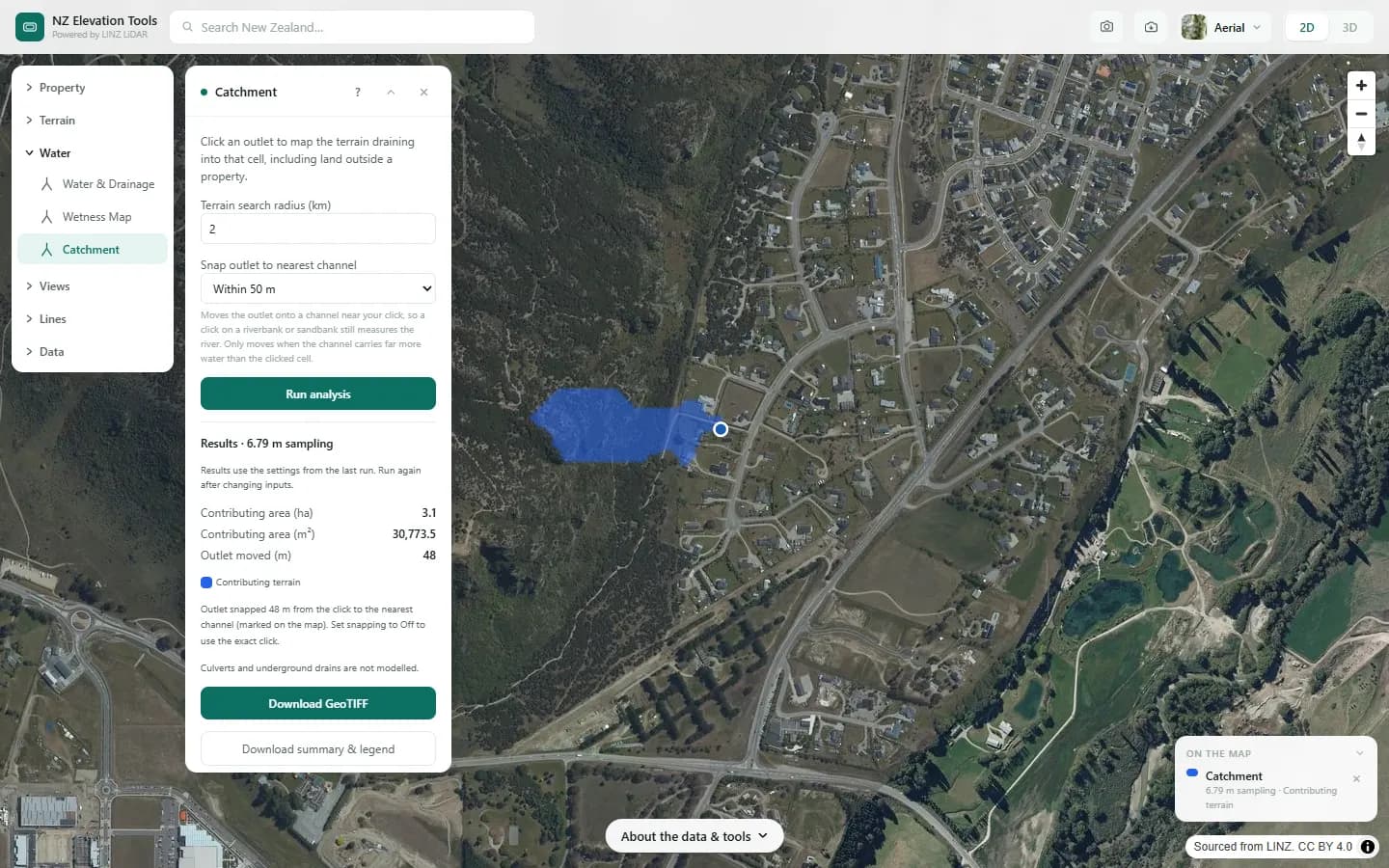
Catchment
Click an outlet
Maps all the land upstream of a point you click, so you can see where the water arriving at a culvert, a gully or a stream crossing comes from.
Views
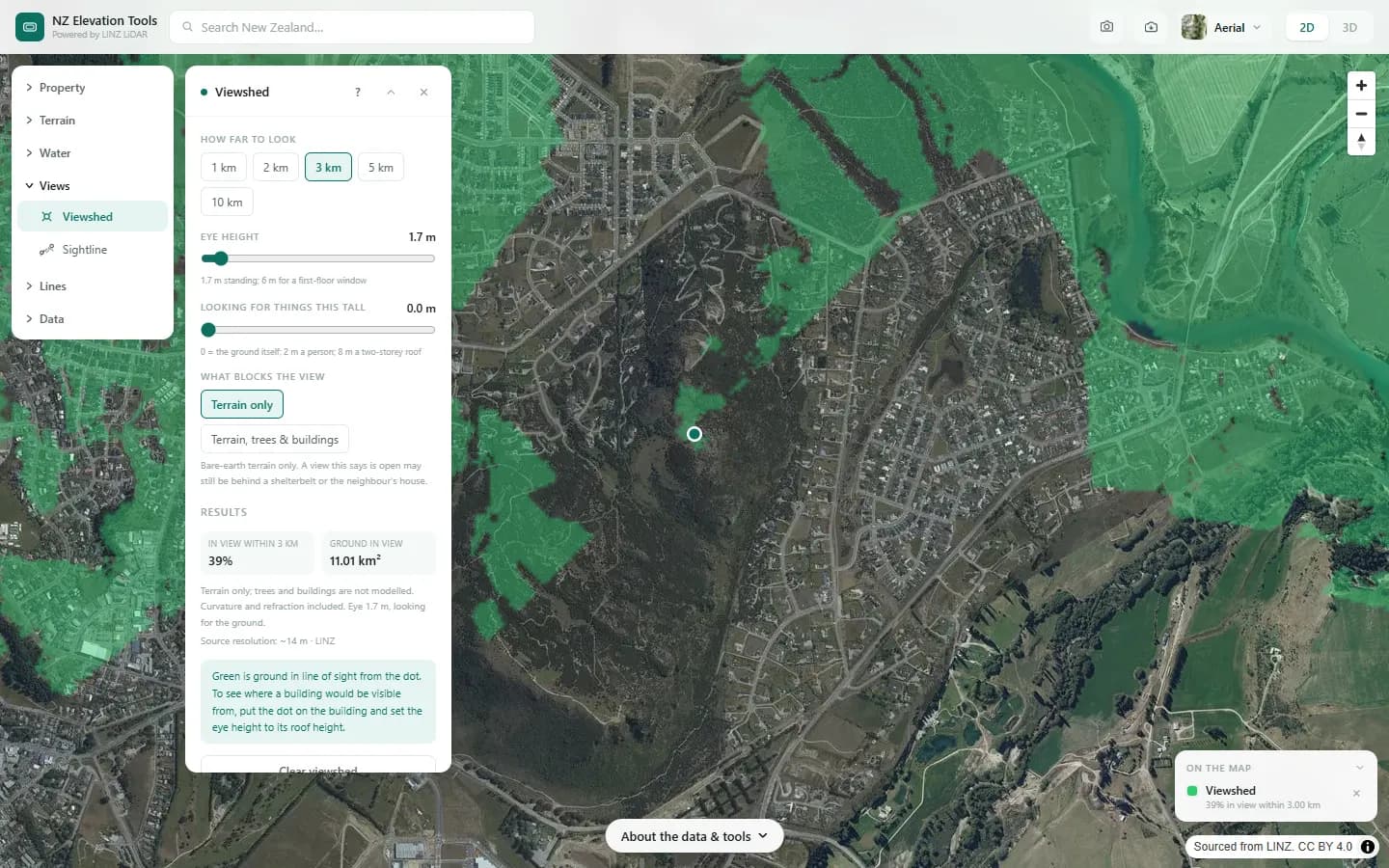
Viewshed
Click a point
Shows which ground within 1 to 10 km can be seen from a point, for a chosen eye height, with earth curvature and refraction allowed for and, optionally, trees and buildings blocking the view.
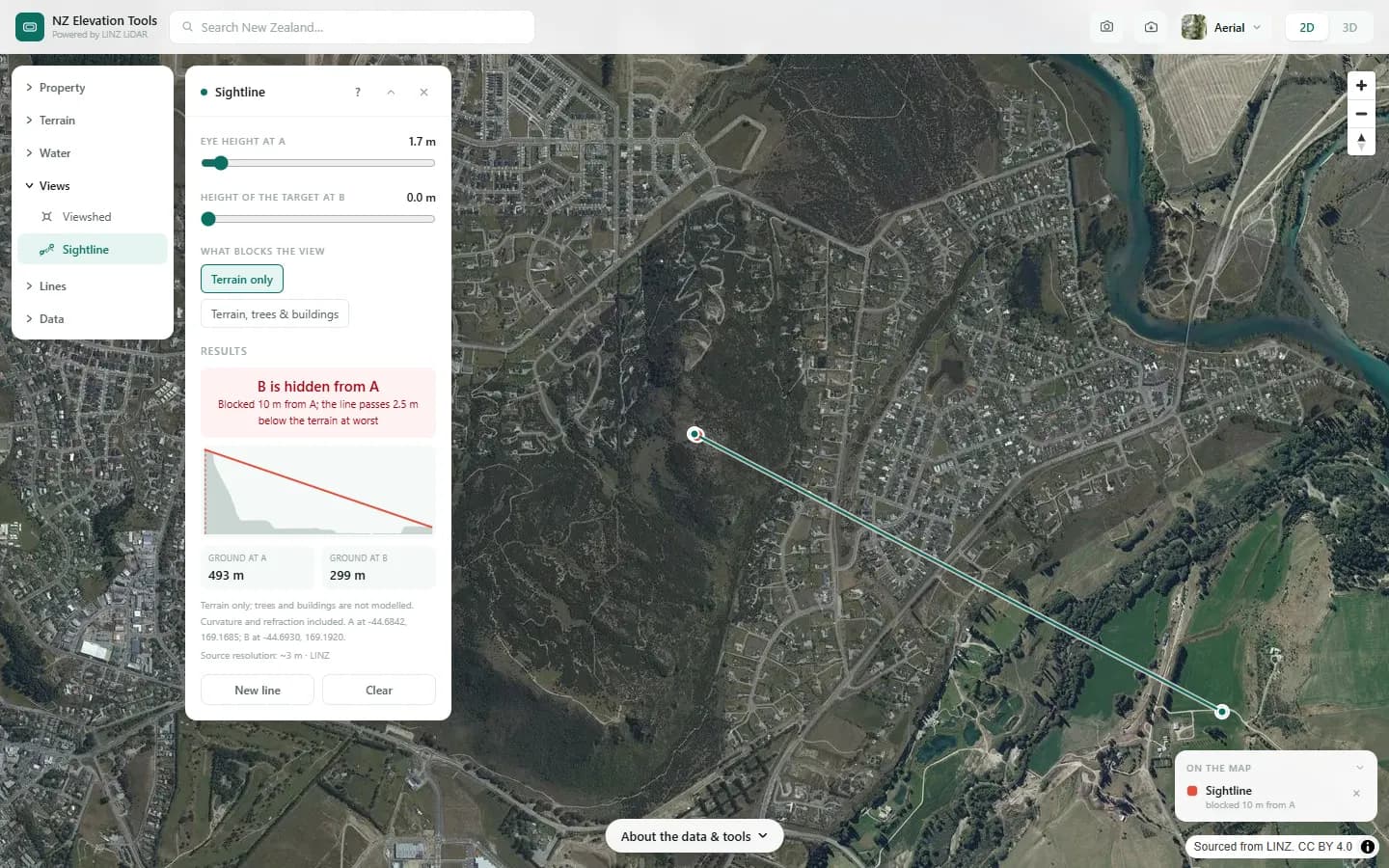
Sightline
Tap two points
Checks whether one point is visible from another, and if not, where the view is first blocked and by how much.
Lines
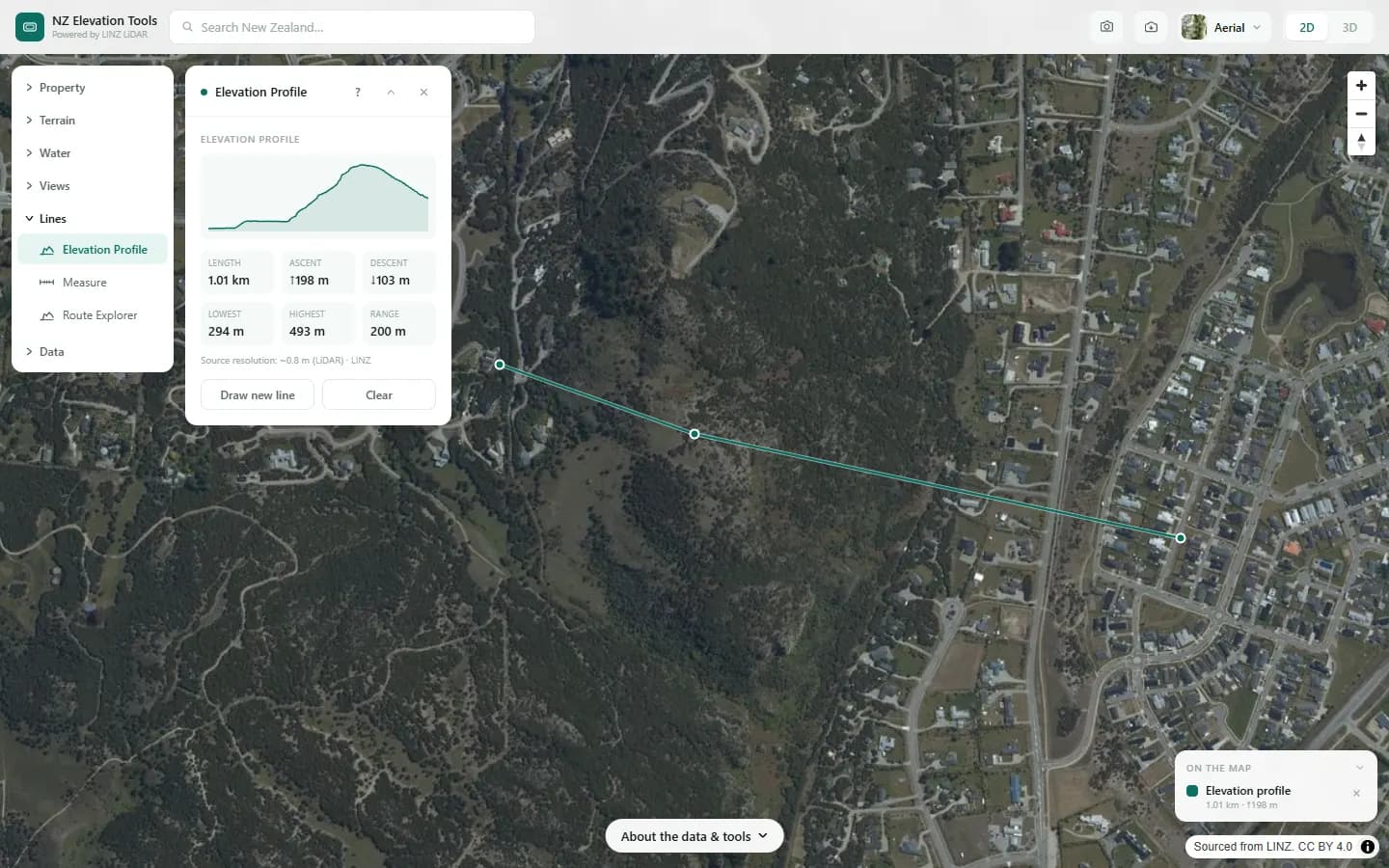
Elevation Profile
Draw or tap out a line
Produces a cross-section of the ground along any line, with distance, total climb and descent, and gradient.
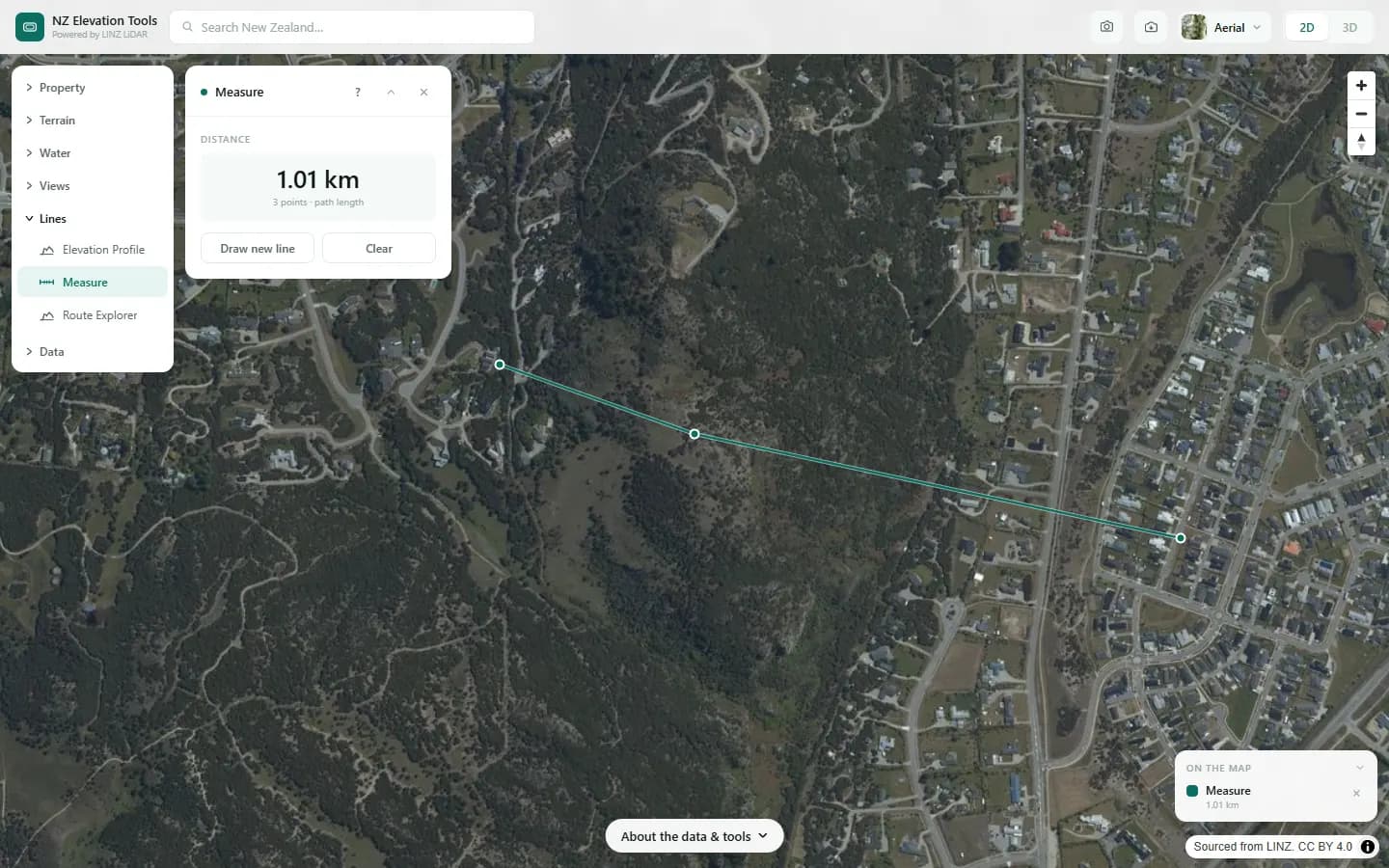
Measure
Draw or tap out a line
Measures the length of a line you tap out on the map, corner by corner, as a flat map distance.
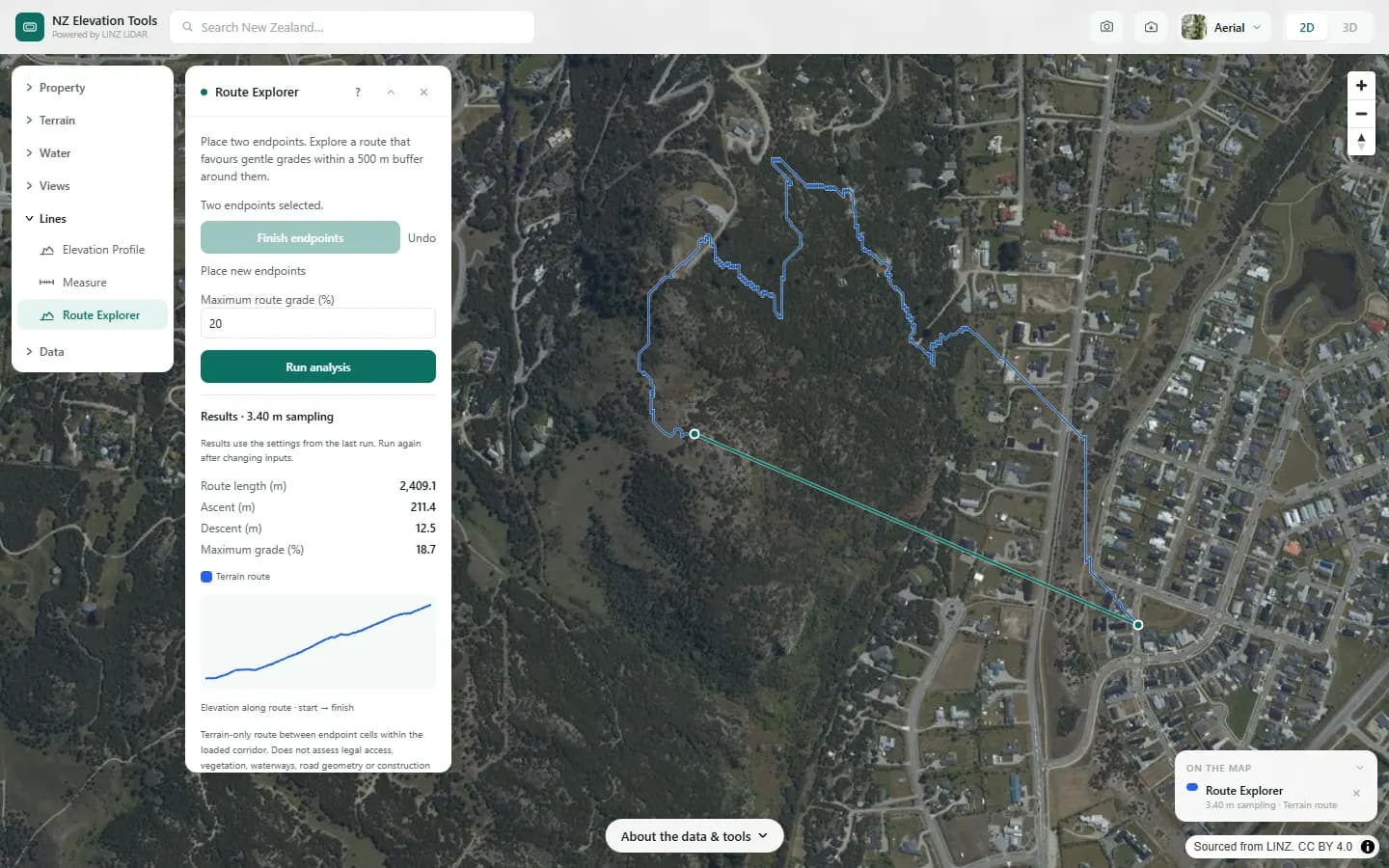
Route Explorer
Tap two endpoints
Finds a route between two points that favours gentle grades and stays under a maximum grade you set, and shows its elevation profile.
Data
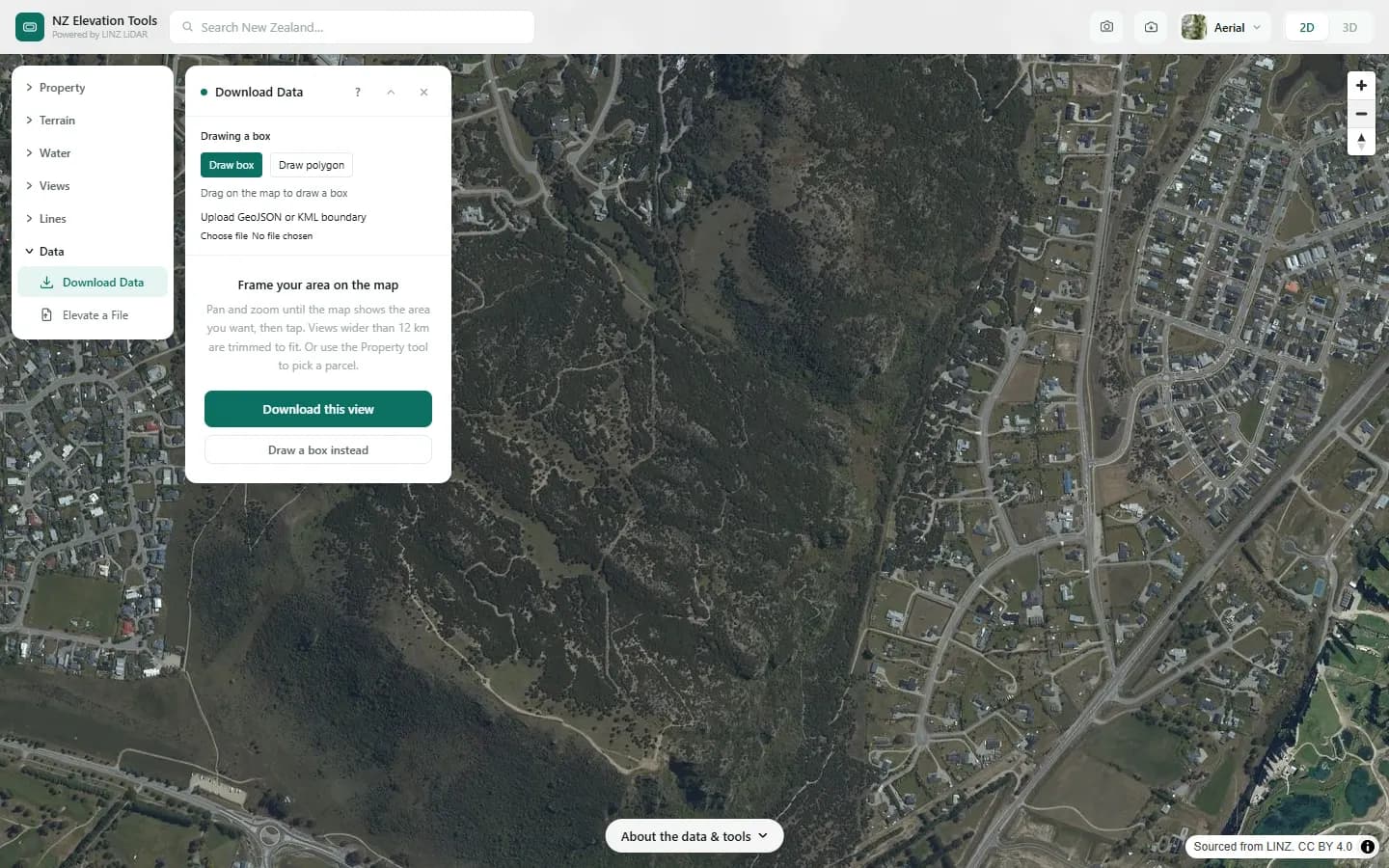
Download Data
Select a property, draw a box or polygon, or upload a boundary
Exports the terrain for your area as contour vectors, a GeoTIFF elevation raster or a 3D surface mesh for printing and rendering.
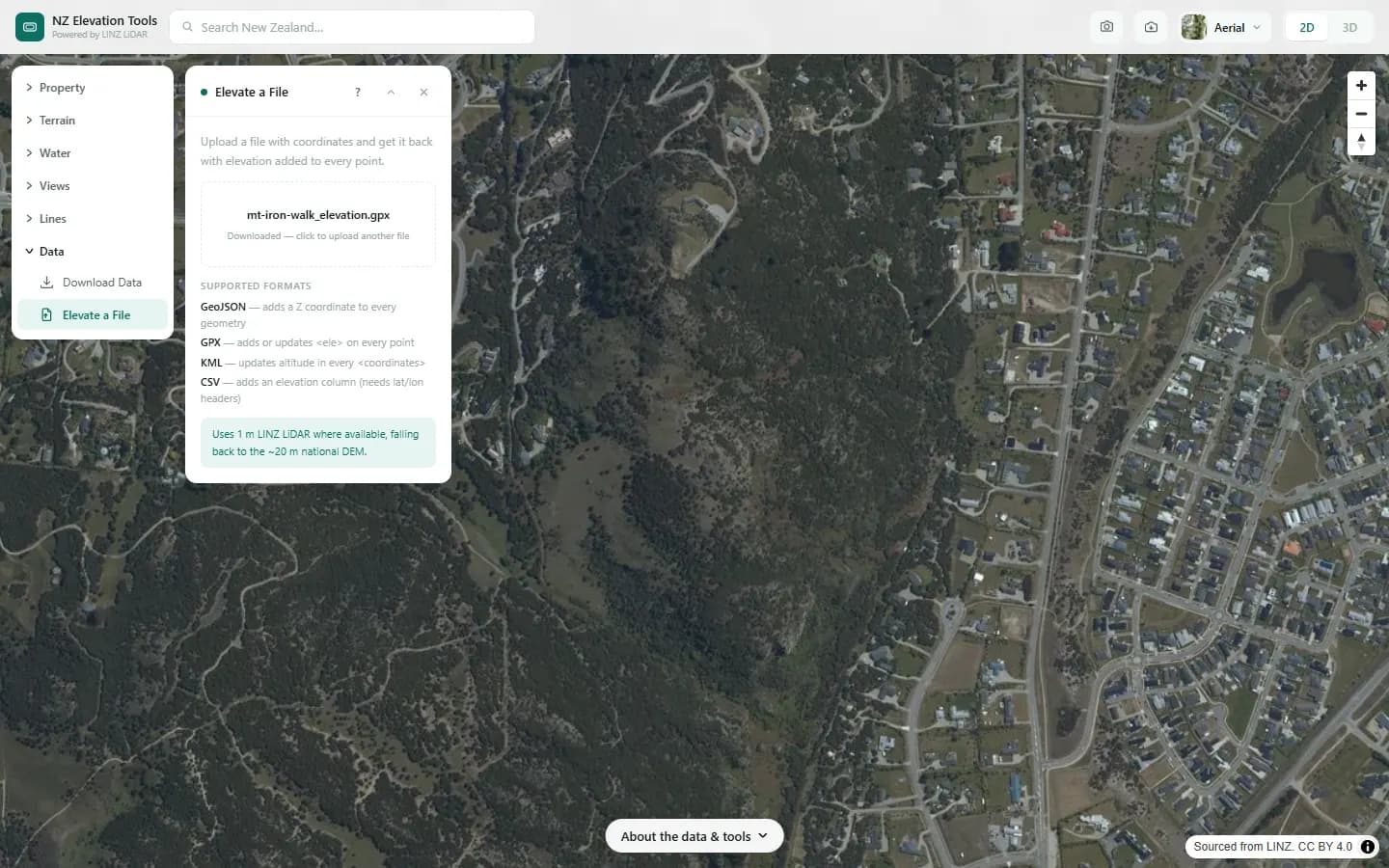
Elevate a File
Upload a file
Adds accurate ground elevation to the coordinates in a GPX, KML, GeoJSON, JSON or CSV file you already have, replacing missing or noisy GPS altitude.